
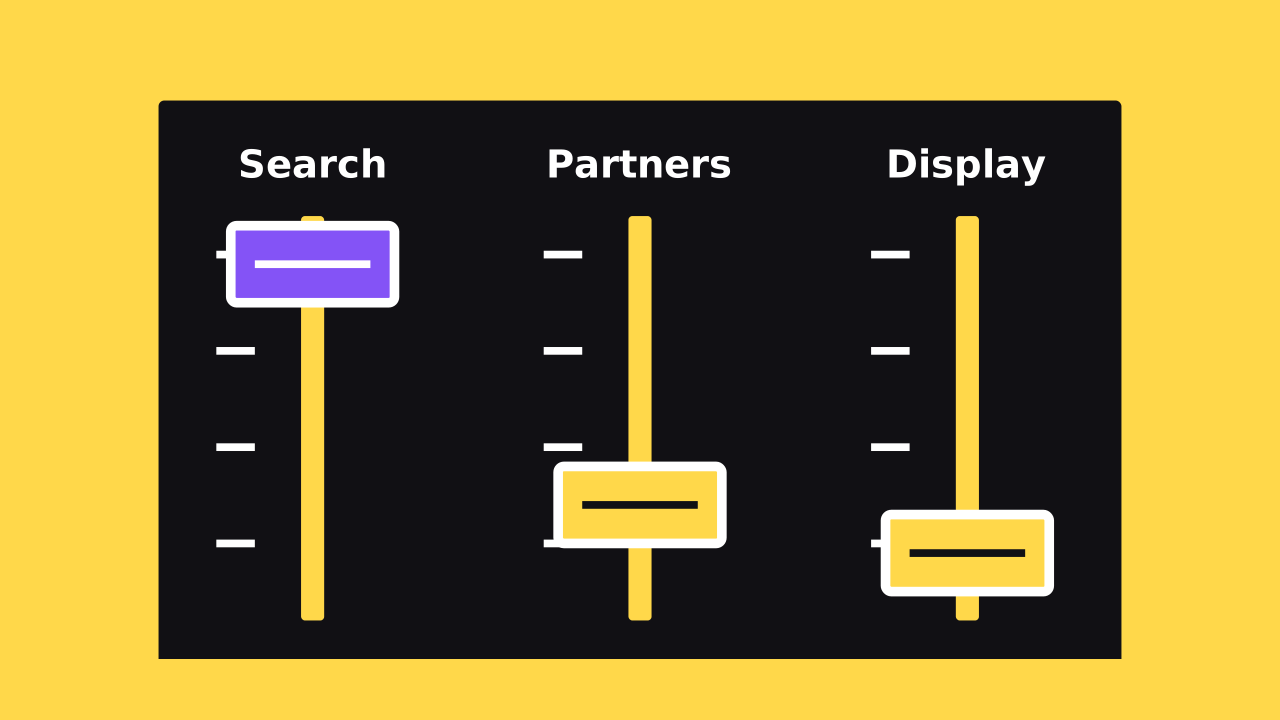
Google Ads now lets you rank where your budget goes first. Google calls the new setting Google Ads channel prioritization. It comes with a cap on how much your backup channels can spend.
That matters if your ads run on search partner sites or the Display Network. Those clicks draw from the same budget as Google Search. This guide covers what changed, who it affects, and what to check now.
Reporting note: We checked this guide against Google's own sources on October 16, 2026. The controls are still rolling out, so your account may not show them yet.
Key takeaways
- Rank channels High or Low in Search, Shopping, Performance Max, and Demand Gen
- High priority channels get budget before Low priority ones
- An optional daily cap limits what Low priority channels spend
- Search campaigns with Display on change in February 2027
- The rollout started October 15 and runs over several months
What did Google announce?
On October 14, 2026, Google announced two optional controls for campaign spend. The first is channel prioritization. The second is budget allocation.
Channel prioritization lets you mark each channel as High or Low priority. Google funds High priority channels first. Leftover budget can then go to the Low priority ones.
Budget allocation sets a daily cap on Low priority channels. Google says it works on a best-effort basis. So spend aims for the limit but can sometimes go past it.
The controls cover Search, Shopping, Performance Max, and Demand Gen campaigns. You can set them for the whole account, one campaign, or a shared budget.
Which channels can you set a priority for?
Each campaign type groups its channels a little differently. Performance Max and Demand Gen bundle Search, YouTube, Maps, Gmail, and other Google surfaces. Google calls that group Google channels.
Scroll sideways to read the full table.
| Campaign type | Channels you can rank |
|---|---|
| Search | Google Search, search partners, Display Network |
| Shopping | Google Search, search partners |
| Performance Max | Google channels, search partners, Display Network |
| Demand Gen | Google channels, Display Network |
Every channel starts as High priority. So nothing changes until you mark a channel Low.
What are search partners and the Display Network?
Search partners are sites outside Google that show Google search ads. A Search campaign can show on thousands of them, plus YouTube search results. New Search campaigns include them by default.
Google itself notes that partner clicks may be less targeted. It asks you to weigh whether partners fit your campaign goals. Partner clicks don't affect your Quality Score on Google.
The Display Network shows ads on websites and apps. A Search campaign with Display turned on uses Display Expansion. It aims to spend Search budget that would otherwise go unused.
Until now, these were all-or-nothing choices. You either ran on a channel or turned it off. Low priority gives you a middle option.
How do High and Low priority work?
The effect depends on your bid strategy and whether your budget runs out. Google explains each case in its Help article. Here's the short version.
- Maximize conversions or conversion value: High priority channels spend first, then Low
- Maximize clicks, manual CPC, or Target Impression Share: the same High-then-Low order
- Target CPA, Target ROAS, or Target CPC: priority shifts spend only when budget runs short
That last point catches people out. A target-based campaign with budget to spare keeps spending across channels as before. A budget cap on a Low priority channel still applies there, though.
What does budget allocation limit?
Budget allocation is a daily cap for Low priority channels only. It's a share of the campaign's average daily budget, not its actual spend. For example, Google says 5% of a $1,000 budget is about $50 a day.
The cap resets each day. Unspent or overspent amounts don't carry over. A Low priority channel set to 0% stops spending, according to Google.
Demand Gen campaigns can't use budget allocation. You can still set High and Low priorities there.
What changes for Display Expansion in February 2027?
This is the part to put on your calendar. Search campaigns with Display on keep today's Display Expansion behavior until February 2027. Then Google moves them to the new controls on its own.
Google says spend may then shift between Search, search partners, and Display. To keep your current setup, Google suggests one setting. Mark the Display Network Low priority with a 50% daily allocation.
Two more details matter. Display will stop serving on Search campaigns that use Target Impression Share. And priorities you set before February replace Display Expansion right away.
How to set channel priorities in your account
You can set one default for the whole account. Then override it for any campaign that needs different rules. Google lists these steps for the account level.
- Open Account settings
- Find the Channel Prioritization card
- Pick the campaign type
- Mark each channel High or Low priority
- Add an optional cap for Low priority channels
- Save the change
For one campaign, open its Settings and expand Channel Prioritization. Choose campaign-level settings, set the priorities, and save. You can switch back to the account default at any time.
You can't set priorities from a manager account. Google says support in the Google Ads API and Editor is coming soon.
Should a small business change anything now?
Not every account needs to act today. But a few checks take minutes and can keep budget from drifting. Start with the ones below.
- Check which Search campaigns include search partners or Display
- Compare partner and Display results with Google Search in your reports
- Mark weaker channels Low priority instead of turning them off
- Add a small cap if a Low priority channel still spends too much
- Note February 2027 for any Search campaign with Display on
- Confirm conversion tracking works before you judge any channel
Judging channels takes real data. Without accurate conversion tracking, you can't tell which channel brings calls or bookings. Our conversion tracking guide covers the setup.
Turned off partners or Display in the past? Google pitches these controls as a way to test them again with limits. A Low priority setting with a small cap keeps that test contained.
Limits to know before you start
A few setups don't fit these controls yet. Campaigns that share a budget must be the same type. Campaign total budgets work with channel priority only in Demand Gen.
In experiments, all channels share one priority tier. The rollout is gradual too, so some campaign types may not show the card yet. Check Account settings again in a few weeks if it's missing.
Want help deciding where your budget should go first? Our Google Ads management team can review your channel settings with you. We aim to put more of your spend where your customers search.