
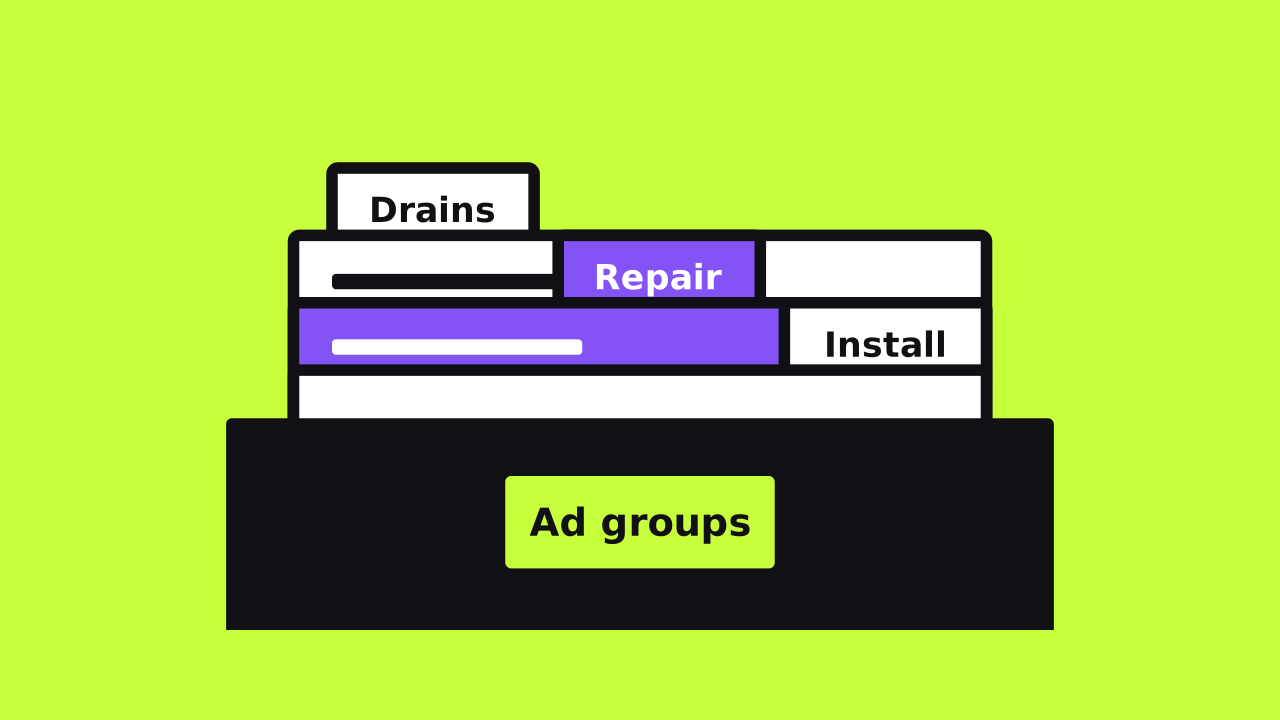
How many keywords per ad group should you use? Google doesn't give a number. It gives a rule instead: keep each ad group to one narrow theme.
This guide explains why count-based rules faded. It shows how to group keywords by intent and landing page. It ends with a worked example, common mistakes, and a monthly check.
Reporting note: We checked this guide against Google Ads Help documentation on November 16, 2026.
Key takeaways
- Google sets no ideal number of keywords per ad group
- Group keywords that share one ad and one landing page
- Match types already cover plurals and close variants
- Google weighs a group's other keywords when it picks which one serves
- The search terms report shows when a group has drifted
Is there a right number of keywords per ad group?
No. Google's help page on organizing your account with ad groups never names a count. It asks you to pick a narrow theme and use keywords that fit it.
The only hard number is a ceiling. Google's account limits page allows 20,000 targeting items per ad group. That's a system limit, not a goal.
You'll still hear rules of thumb online. Some people say one keyword per group. Others say five to twenty.
Those numbers come from practitioners, not from Google. They can work as a rough start. They're not a reason to split or merge a group.
A better question is simple. Does every keyword in this group want the same ad and the same page? If yes, the group is the right size.
Why single keyword ad groups faded
Single keyword ad groups put one keyword in each group. Advertisers often added it in several match types too. The idea was tight control over which ad showed.
That made sense when match types followed literal words. Today Google's keyword matching options work on meaning. Exact match now covers searches with the same meaning or intent.
Broad match goes further. Google says it reads the landing page, your assets, and the group's other keywords. So the group's theme now shapes what your ads match.
Google's keyword list tips also say you don't need every variant. Match types can pick up closely related versions of your keywords.
Tiny groups bring a practical cost too. Each one gets few clicks, so ad tests take ages to read. You also end up copying near-identical ads into dozens of groups.
Google also warns against big reshuffles later. Reorganizing after you've built campaigns can erase data the account has gathered. So plan the structure before you launch.
How Google picks which keyword serves
Several of your keywords can match one search. Google's page on matching the most relevant keyword explains how it chooses. The order matters for how you group them.
- A keyword identical to the search wins first, if it's eligible
- Exact match keywords take priority over phrase and broad
- Without an identical keyword, Google judges relevance
- Ad Rank then picks among the relevant options
Relevance uses three things. Google weighs the meaning of the search and of every keyword in the group. It also looks at the landing pages in that group.
That's why mixed groups cause trouble. A group with plumbing and roofing keywords sends a muddy signal. Google may serve a roofing search from the wrong place, with the wrong ad.
Duplicates matter less than people fear. Google says the same keyword in different match types won't raise costs or hurt performance. Similar keywords like "red car" and "car red" enter the auction as one bid.
How to group keywords by intent and landing page
Start from your website, not from a keyword tool. Google suggests many businesses map ad groups to their site's pages or categories. These steps follow that idea.
- List each service you want to advertise and the page that sells it
- For each page, write the searches someone types when that page is the answer
- Keep plurals, word order, and small wording changes together
- Split a keyword out when its best ad or page would differ
- Name each ad group after its theme, like "Drain cleaning"
- Write ads that repeat the theme in at least one headline
- Add negative keywords for searches you never want
Google's help on keywords in Search campaigns backs this up. It suggests grouping similar keywords by product, service, or category. Its example splits engagement rings from wedding rings.
Step seven keeps each group clean over time. Our guide to negative keywords shows how to build that list.
When you're unsure, run each keyword through a few quick questions. The table below sums them up.
Scroll sideways to read the full table.
| Question | If yes | If no |
|---|---|---|
| Would the best landing page change? | Give it its own ad group | Keep it in the group |
| Would the headline need to change? | Give it its own ad group | Keep it in the group |
| Is the buyer at a different stage? | Split, such as urgent versus planned | Keep it in the group |
| Is it the same service in other words? | Keep it, since match types cover it | Check the other questions |
| Does it need its own budget or location? | Use a separate campaign | Keep it in the campaign |
A worked example: one plumbing company
Say a plumbing company runs one ad group called "Plumbing." It holds about forty keywords. Every search sees the same general ad and lands on the homepage.
This is a hypothetical example, not a real account. The company offers drain cleaning, water heater repair, water heater installs, and emergency calls. Each service already has its own page.
Here's how the keywords could split, using the tests above.
Scroll sideways to read the full table.
| Ad group | Sample keywords | Landing page |
|---|---|---|
| Drain cleaning | drain cleaning, clogged drain repair, kitchen sink clog | Drain cleaning page |
| Water heater repair | water heater repair, no hot water, water heater leaking | Water heater repair page |
| Water heater install | water heater replacement, tankless water heater install | Water heater install page |
| Emergency plumbing | emergency plumber, burst pipe repair, 24 hour plumber | Emergency service page |
Notice why repair and install split. A repair searcher wants someone today. An install searcher may compare options and costs over a few weeks.
The ads differ too. The repair ad can stress same-day visits, if the company offers them. The install ad can talk about choosing the right unit.
Each new group ends up with a handful of keywords. That count came from the themes, not from a target. A vague keyword like "water heater" fits nowhere cleanly, so it can wait.
The company would then watch each group's search terms for a few weeks. It would add negatives and move strays to the right group.
Signs an ad group has grown too broad
Groups drift as you add keywords over months. Watch for these signs:
- Search terms for a service you don't offer
- Search terms that belong to another ad group's service
- One ad trying to speak to several unrelated services
- Keywords that would each convert better on a different page
- Low ad relevance across many keywords in the group
- Buyers at very different stages sharing one ad
Ad relevance is part of Quality Score. Our Quality Score guide explains how to read it. A low score across one group often points to a theme problem.
Signs you've split things too thin
The opposite problem is real too. These signs suggest you've gone too granular:
- Ad groups with almost no impressions for months
- Many keywords marked "Low search volume"
- The same ad copied across groups with one word changed
- Ad tests that never gather enough clicks to judge
- More time spent on upkeep than on reading results
Google's page on low search volume says these keywords stay inactive until searches rise. They don't hurt your account. Still, they add clutter, and broader wording often works better.
The fix is usually a merge. Fold tiny groups that share a page into one group. Keep their best ad and pause the rest.
How broad match changes the picture
Many accounts now lean on broad match with Smart Bidding. Google calls Smart Bidding critical when you use broad match. It sets bids for each auction using signals at that moment.
Broad match reads your ad group as a whole. The other keywords and the landing page help define what it matches. So a tidy theme matters more with broad match, not less.
Google's AI Max for Search adds keywordless matching and final URL expansion. It leans even harder on your pages and assets. Our AI Max guide covers what to check before you turn it on.
Exact and phrase match still have a place. They suit your most valuable searches, where you want firm control over the ad.
Common mistakes to avoid
- Adding every plural and misspelling by hand
- Putting brand and non-brand searches in one group
- Chasing a keyword count instead of a theme
- Sending every ad group to the homepage
- Restructuring the account every few weeks
- Ignoring the search terms report after launch
Brand searches deserve a note. People who type your name already know you. Their ad, page, and costs usually look very different from other searches.
Frequent reshuffles cause their own harm. Each change resets what you can compare. Give a new structure time before you judge it.
What should you check each month?
A short monthly review keeps groups tidy. It aims to keep your budget on searches that fit.
- Open the search terms report and turn on the Keyword column
- Add negatives for searches you'll never serve
- Move strong stray searches into the right ad group
- Review keywords marked "Low search volume"
- Compare equal date ranges before and after any split
Google's search terms report lists the searches that triggered your ads. It hides some low-volume terms for privacy. So treat it as a strong sample, not a full list.