Zero-click searches end on Google without a visit to any website. Someone asks a question and reads the answer on the results page. Or they tap the call button on a business listing and never open a site.
Website clicks fall, yet the phone keeps ringing. This guide shows where zero-click answers appear and how to read the numbers. It ends with what to measure when clicks drop.
Reporting note: We checked this guide against Google's public documentation on November 28, 2026.
Key takeaways
- A zero-click search ends on Google without a visit to any website
- AI Overviews, featured snippets, knowledge panels, and local results can all answer on the page
- Steady impressions with falling clicks usually means a results page change, not a ranking loss
- Business Profile calls and direction requests count customers who never visit your site
- Google says AI features need no special markup, so the basics still matter
What are zero-click searches?
A zero-click search is a search where the person doesn't click any result. They got what they needed on the page itself. Or they gave up, or they searched again with new words.
The term isn't an official Google metric. Search Console doesn't report "zero-click searches" as a number. You infer them from the gap between impressions and clicks.
Google's help page on impressions, position, and clicks explains how it counts each one. An impression means your link showed in the results someone saw. A click means they followed a link to your site.
So when impressions hold steady and clicks fall, people still see you. They just finish their search without visiting. That's the pattern this guide teaches you to spot.
Where do zero-click searches happen on Google?
Several parts of a results page can answer a question before anyone clicks. Each one works a little differently. Here are the ones a service business sees most:
- AI Overviews: a generated summary with links, shown above many results
- AI Mode: a chat-style search where people ask follow-up questions
- Featured snippets: a box that shows a page's answer first, then its link
- Knowledge panels: a card with facts about a business, place, or topic
- Local results: map listings with call, directions, and website buttons
- People also ask: questions that expand to show a short answer
Google covers this on its page about AI features and your website. It says AI Overviews appear only when they add something, and often don't trigger. So the effect varies a lot by query.
Google may answer a question like "how long does a water heater last" right there. A search like "emergency plumber near me" usually shows map listings. Those listings have their own buttons, so the customer may call without seeing your site.
Is a zero-click search a lost customer?
Not always. Some zero-click searches are simple facts that were never going to turn into jobs. Others end in a call straight from your Business Profile.
Think about what each search was worth. Someone asking what a root canal is might be months from booking. Someone tapping "Call" on your listing at 9 PM is a customer right now.
Google's AI features page says clicks from pages with AI Overviews are higher quality. People tend to spend more time on the site. Google gives no figures, so treat it as Google's view and check your own data.
The takeaway is simple. Fewer clicks is a signal to investigate, not proof of lost business. The rest of this guide shows how to check.
How to tell zero-click loss from a ranking drop
Google's guide to debugging Search traffic drops gives a clear rule. If impressions and clicks both fell, check the usual causes, like updates or site errors. If impressions held and clicks fell, other results may look more appealing.
Here's how to run that check in Search Console. It takes about 20 minutes the first time.
- Open the Performance report and turn on clicks, impressions, CTR, and position
- Click the date filter and choose Compare, then last 3 months year over year
- Open the Queries tab and sort by the change in clicks
- Note which queries lost clicks but kept their impressions
- Search those queries yourself and look at what now sits above your result
- Repeat on the Pages tab to see which pages carry the change
Year-over-year matters for seasonal businesses. A roofer's clicks in November rarely match June. Google's guide suggests the last 16 months view for spotting yearly patterns.
Scroll sideways to read the full table.
| What you see | Likely cause | What to check |
|---|---|---|
| Impressions steady, clicks down | Answers or features above your link | Search the query and see what shows first |
| Impressions and clicks both down | Ranking loss, update, or technical issue | Page indexing, manual actions, recent changes |
| Position steady, CTR down | A new feature or a weak title and snippet | Your title and description for that page |
| Branded impressions down | Less demand for your name | Reviews, ads, and offline marketing |
| Only one season down | Normal seasonal swing | The same months last year |
Google's counting help says an AI Overview takes a single position. Every link inside it shares that spot. So your average position can look better while clicks stay flat.
What to measure when clicks drop
Clicks still matter, but they're one number among several. A fuller scorecard counts the customers who never reach your site. These are the measures we'd track for a local service business:
- Impressions: how often you show up, from the Performance report
- Branded searches: queries with your business name, a sign of demand
- Profile calls: taps on the call button in your Business Profile
- Direction requests: people planning a trip to your location
- Website clicks from your profile: visits that start on the map listing
- Key events: form sends, bookings, and calls tracked on your site
Your Business Profile performance page shows calls, directions, website clicks, and messages. It also lists the search terms people used to find you. Google's help says those terms update at the start of each month.
On your website, track actions, not just visits. Google Analytics can mark an event as a key event, like a thank-you page. Its help on creating key events walks through it without code.
Then watch leads per visit. If visits drop but form sends hold, you likely lost light browsers. That's a very different story from losing booked jobs.
What changed in Search Console this year
In June 2026, Google announced new AI feature insights and controls for site owners. The update note says they reached all websites worldwide as of August 31, 2026.
The insights show impressions in generative AI features and which pages appear there. The control lets owners opt out of those features. Google's post says sites that opt out won't get traffic or impressions from them.
That matters for measurement. If clicks fell sharply after August, check whether anyone changed that setting. Our guide to the generative AI report covers what the new data can tell you.
A worked example: a plumber's quiet month
Here's a hypothetical example. Say a plumbing company sees website clicks fall over three months. The owner worries the site has dropped in Google.
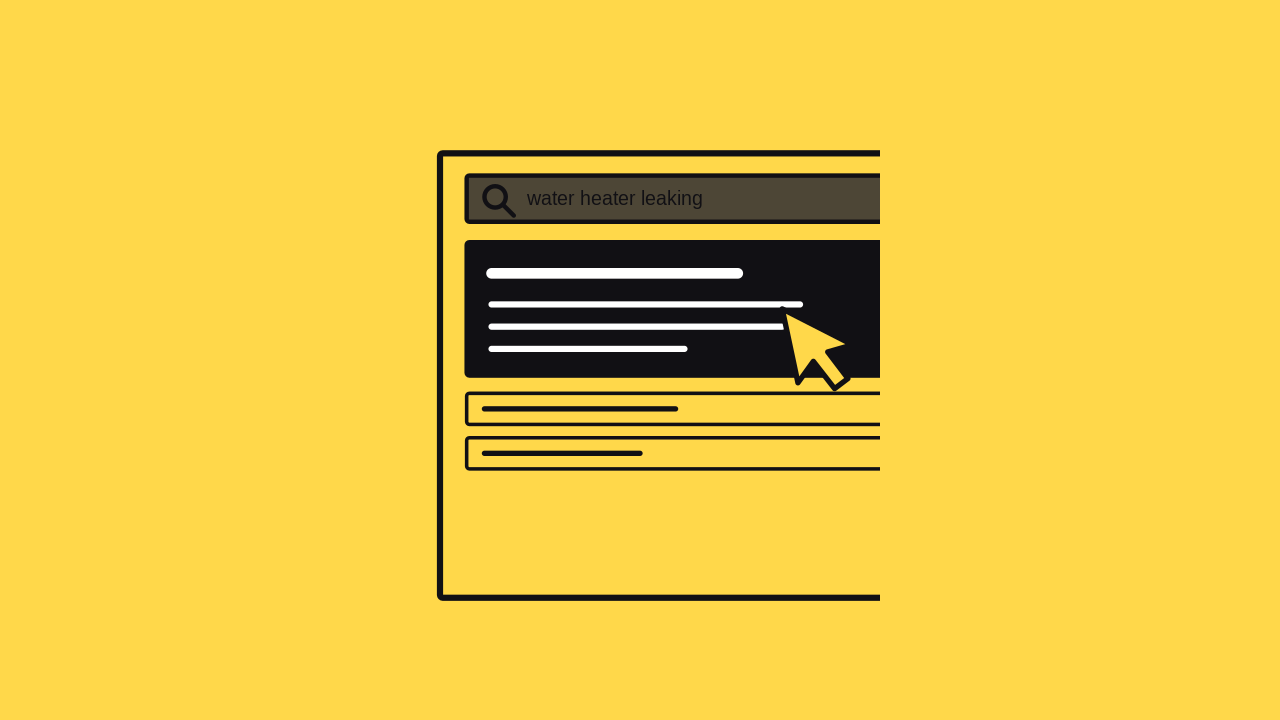
First, they compare the last three months with the same months last year. Impressions are about the same. Clicks are down, mostly on how-to queries like "why is my water heater leaking".
They search those queries on their phone. An AI Overview now answers the basic question at the top. Their page is one of the linked sources, but fewer people need to open it.
Next, they open their Business Profile performance page. Calls from the profile are steady, and direction requests are up. Their service pages kept their clicks, and form sends held.
The verdict: they lost early research visits, not customers. So they add a "signs it's time to call" list to the how-to page. They keep watching calls and form sends each month.
How do you earn the clicks that remain?
Google says there's no special markup needed to appear in AI Overviews or AI Mode. A page needs to be indexed and eligible to show a snippet. So the work is the same good basics, done well.
- A short, direct answer near the top of each page
- Details a summary can't give, like your service area and booking steps
- Real photos of your team's work, your trucks, or your office
- Titles and descriptions that say who the page is for
- A complete Business Profile with hours, services, and categories
- A clear next step on every page, like a booking form
Be careful with snippet controls. Google's featured snippets page explains that the nosnippet rule blocks both featured and regular snippets. A page without a snippet can't appear as a link in AI features either.
Your brand name also matters more now. When people search your name, an AI summary may show first. Our guide on what AI Overviews say about your business shows how to check it.
Common mistakes when clicks drop
- Judging a seasonal business on month-over-month numbers
- Blocking snippets to force clicks, which can remove you from features
- Rewriting every page before checking which pages actually lost clicks
- Ignoring Business Profile calls because they don't show in Analytics
- Trusting average position alone when AI Overviews share one spot
- Cutting useful how-to pages that still earn trust and links
Most of these come from reacting to one number. Look at the whole scorecard before you change anything.
A simple monthly zero-click scorecard
Set aside 30 minutes in the first week of each month. Use a plain spreadsheet with one row per month. Then follow the same steps each time:
- Record clicks and impressions from the Search Console Performance report
- Filter queries by your business name and record branded impressions
- Record calls, directions, and website clicks from your Business Profile
- Record key events, like form sends and bookings, from Analytics
- Compare each number with the same month last year
- Write one line on what changed and one thing to try next
After three months, you'll have a baseline. Then a click drop becomes a question you can answer, not a worry.